Ryan CobblerNetgear Orbi mesh system
Netgear Orbi: what fixed the dead zone at the bowling alley
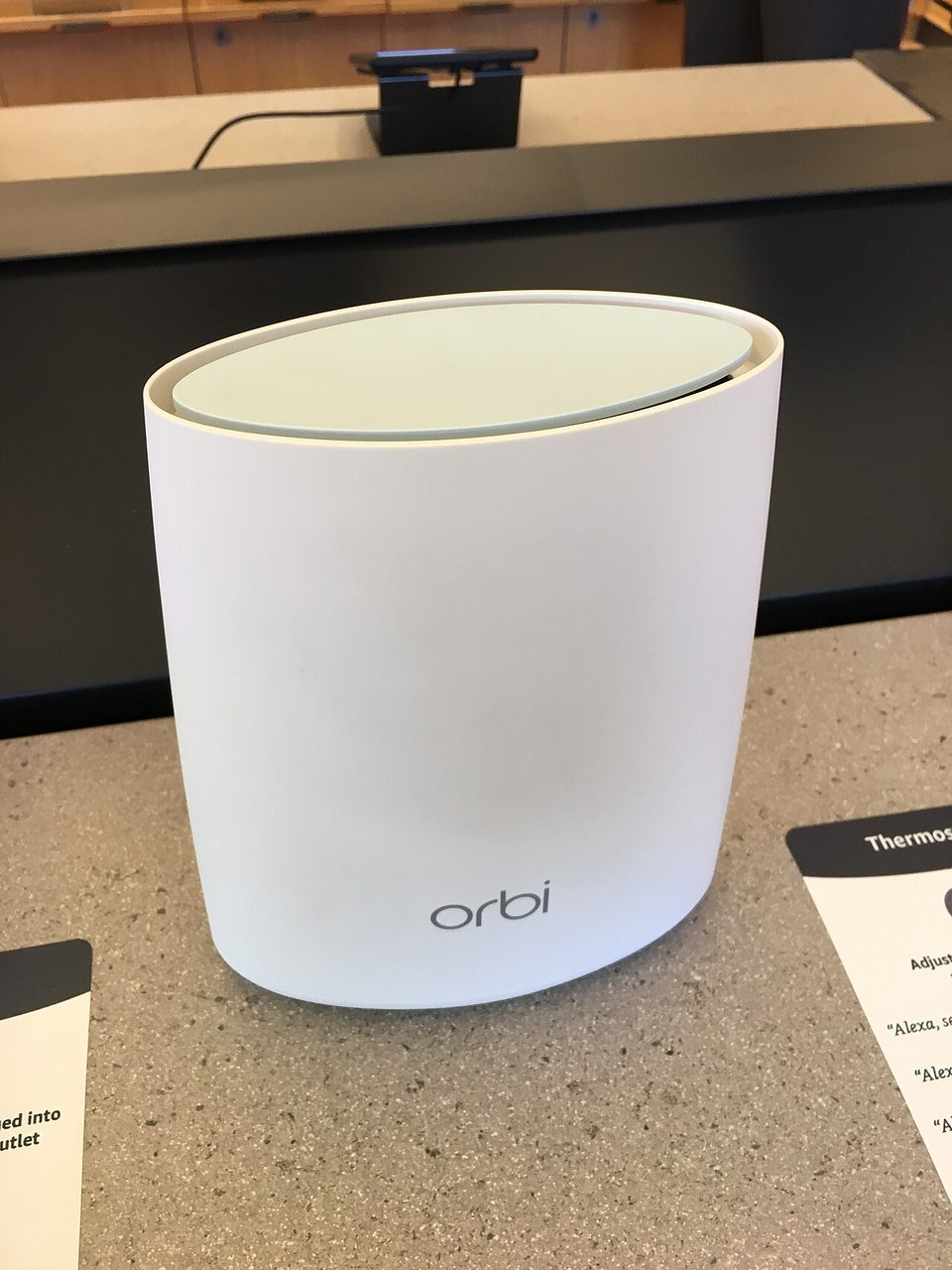
The card reader at Rustic Lanes died every night around lane 19. Deb, who owns the place, thought she had a bad tablet. She bought a replacement. Same problem. So she called me, and I did what I always do first, which is stand where the money changes hands and check the wifi bars on my phone. Two bars, maybe one. The router sat in the office at the front of the building. Lane 19 is about a hundred feet away, past a wall of pin machines and a ball return.
Here's the thing. Her internet and her router were both fine. The building was the problem. A single router throws a circle of signal. A bowling alley is not a circle. It is a long skinny box full of steel, motors, and vending machines, and wifi does not punch through any of that worth a darn.
The lesson is simple. If your building is long, or two floors tall, or full of metal, one router is one lane of coverage. You need more talking points, and they need to hand the signal to each other cleanly. That is what a mesh system does.
What I actually did
I bought the Netgear Orbi 770 three-pack, model RBE773. Router plus two satellites, about $550 at the time. That is the cheapest Wi-Fi 7 mesh kit Netgear sells, and I want to say that plainly: $550 is real money for a small business, and I did not spend it because I wanted the newest thing. I spent it because the older 750 and 850 kits cost almost as much and this one had the dedicated backhaul.
Numbered, because the order matters.
- Sat down with Deb and drew the building on a napkin. Office on one end, lanes in the middle, bar and snack counter at the other end. Money happens at both ends.
- Put the router in the office where the cable comes in, on a shelf, off the floor, away from the microwave.
- Plugged one satellite into an outlet behind the snack counter and one near mid-alley, about halfway between anything important. Distance between units matters more than distance to the router.
- Pressed the sync buttons, waited about ten minutes, and let the app do its thing.
- Turned the old router's wifi off so nothing would stick to the weak signal anymore.
Total: $550 in hardware, a Saturday morning, and one extendable ladder I did not end up needing. No wiring. No ceiling work. That is the whole pitch for mesh over a proper access point install, and for most storefronts it is the right call.
What worked and what bugged me
Coverage is the reason to buy this. The bar, the counter, the office, all of it sits on four bars now. Deb's card reader stopped dropping the same week. Six months later it is still holding, and I have stopped getting the 9pm phone calls.
The backhaul is the quiet hero. Each satellite talks back to the router on its own dedicated channel instead of fighting the customers' phones for airtime. It is like a return trunk in a duct system. You can run registers off a shared branch duct and the far rooms go cold. Give each run its own trunk and every room gets its air. Same idea, and it is why Orbi holds speed at the far end better than the cheap extenders I used to install.
Now the part that bugged me. The Orbi app spends half its energy selling you Netgear Armor, their security subscription. It nags, it reappears after updates, and on some retail boxes the free trial starts itself without asking you. I turned it off and told Deb to ignore those screens. Her network does not need a paid security add-on any more than her front door needs a subscription doorknob. Also worth saying: early firmware on the 770 line was rough. People on the forums caught sync drops. Netgear has pushed a pile of updates since, and mine has been quiet for months. Buy it, then update it before you judge it.
I'll be honest about the price too. Two hundred dollars of that $550 is buying the name and the Wi-Fi 7 badge. A cheaper mesh kit would have fixed lane 19. I do not regret it, because Deb is not calling me back, and my hourly rate is worth more than the difference. But if cash is tight, the mid-tier Orbi kits or a competitor's two-pack will do the same job in a smaller building.
What to do Monday
Walk your building with your phone. Stand at every place a customer pays you and at every desk. Write down the bars in each spot. Anywhere under three bars, that is your dead zone, and now you know it instead of guessing. Bring me the napkin drawing and the list. We will fix the one worst spot first.
One last thing. Before you buy any mesh kit, check where your internet actually enters the building. Plugging the router in a basement corner because that is where the jack happens to be is the most common mistake I see, and no $550 box fixes a bad starting point.