Ryan CobblerHP LaserJet Pro M404dn
The printer ate a power board and it was still the right call
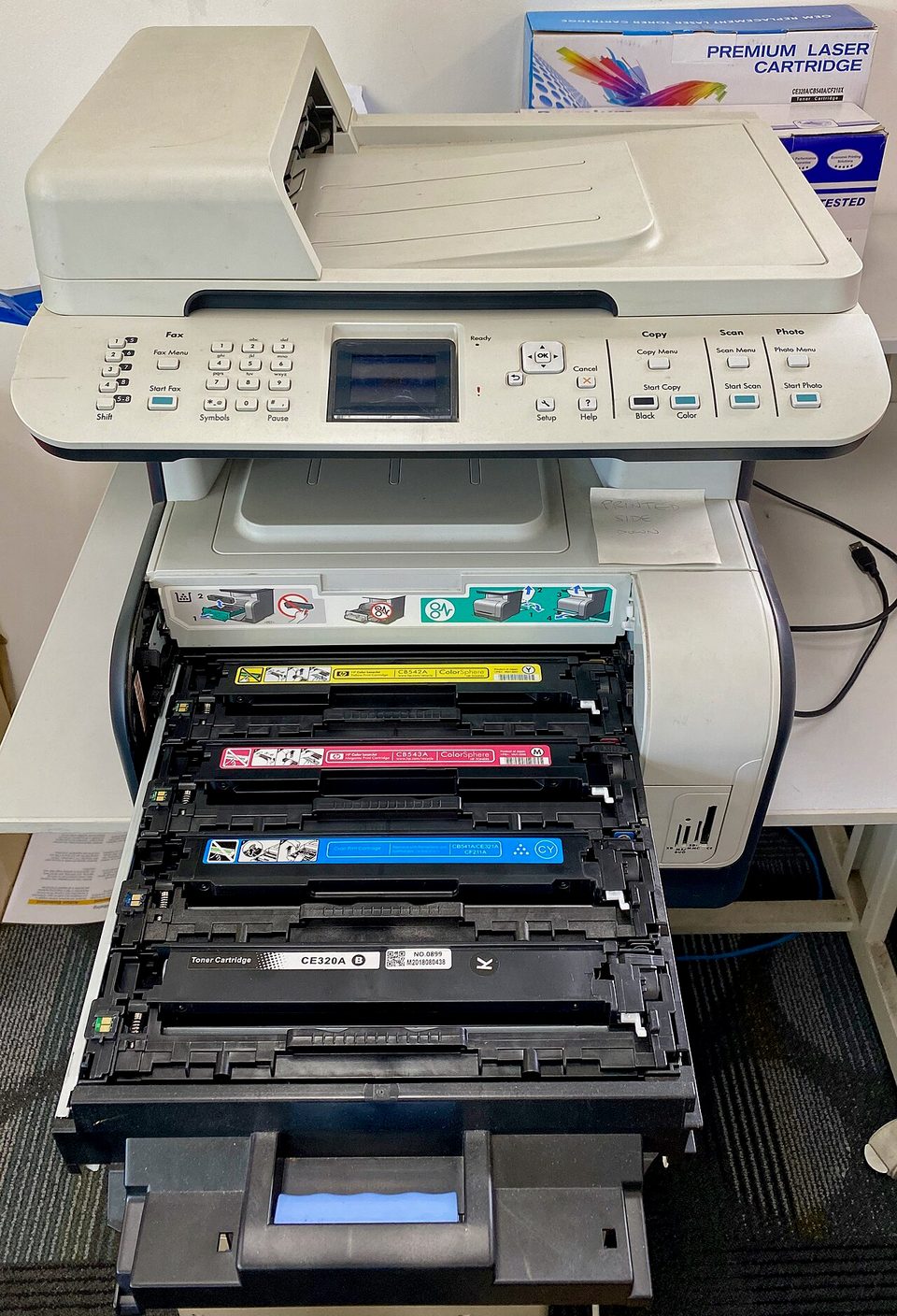
Two winters ago I put an HP LaserJet Pro M404dn on Sal's office desk, $279 out the door. Last month a lightning hit close enough to take out the power board on it, which is a $90 part and one Saturday afternoon. I fixed it. Sal thought I was going to tell him to buy a new one, because that's what everyone gets told, and that's exactly why I'm writing this.
Here's the thing about office printers. The machine is cheap. What eats you is ink, drivers, and the advice you get from the kid at the big-box store. I've put four LaserJets into small offices over six years. I'll tell you what I've learned, in the order I learned it.
What it costs
The M404dn is a print-only black and white laser, about $279 to $329 depending on the week. 40 pages a minute, automatic double-sided printing, a 250-sheet tray, and a cord for the network. No scanner, no copies. Sal's copier does those, and the $100 savings versus the all-in-one goes into the good toner.
The toner is where the real decision lives. The standard HP 58A cartridge prints about 3,000 pages for around $63, call it two cents a page. The high-yield 58X prints about 10,000 pages for around $130 to $150, call it 1.3 cents a page. Buy the X cartridge. It's the same machine for a third less per page, and you swap it three times less often. A compatible 58X from a decent third party is about $43. That's 0.4 cents a page, and no, I don't buy those for other people's offices. Ghosting once burned me and it took a weekend to prove it was the toner, not the fuser.
Compare that to the inkjet at the desk next to it, which drinks cartridges that cost more per page than the paper and dries out if you look at it wrong. An inkjet earns its place in a photo studio. In an office that prints invoices, it's a subscription pretending to be a printer.
How I set it up and fixed it
- Bought the dn model, not the dw, on purpose. Ethernet cord, no wireless to troubleshoot. The wireless version is for people who don't have a counter outlet, and Sal has outlets.
- Plugged it into the network switch, printed the configuration page, and wrote the IP address on masking tape under the tray.
- Set every desk up with the same driver, tested it from the oldest machine first. One hour, total, and it hasn't asked for anything since except paper and toner.
- When the lightning took the power board, I opened the service manual, ordered the board, swapped it, and was done by lunch. The manual is free on HP's site, with the part number right in it.
The repair bill was $90 in parts and four hours of a Saturday. New equivalent: $300 and a driver setup I'd do for free but you wouldn't. Third repair is where I'd draw the line, same as I told Sal, and he wrote that down.
The furnace version
An office LaserJet is a mid-efficiency gas furnace. Ninety percent of what it does is one thing done well, endlessly, and the efficiency plate tells you the truth up front. You know the operating cost before you write the check, because the fuel is priced per unit.
The inkjet is a decorative electric fireplace. Pretty flames, cheap to buy, and the electric bill tells the story in February. Nobody buys a fireplace to heat the shop, but people buy inkjets to print invoices, and then they stand there paying the electric version of ink.
The complaints you'll read about this line are fair, so here they are straight: it's print-only, the starter cartridge that comes in the box is maybe half full, and HP's newer firmware nags hard about non-HP cartridges. Some buyers have caught HP pushing ink subscription sign-ups through the printer screen, which is exactly as annoying as it sounds and the reason I turn off the web services the first hour. None of that touches what it does. It prints fast, sharp, double-sided, for years, and the cost per page is a number you can say out loud.
What to do Monday
Find the last toner or ink receipt in your desk drawer and write the price on it, then look up how many pages that cartridge prints. Divide one by the other and read the number out loud. If it's over three cents a page and you print invoices, that machine is costing you a work van's worth of lunch money over five years, and the fix is one boring LaserJet and an X cartridge.