Ryan CobblerTP-Link Omada EAP653 access point
TP-Link Omada EAP653: the ceiling fix that saved a dental office
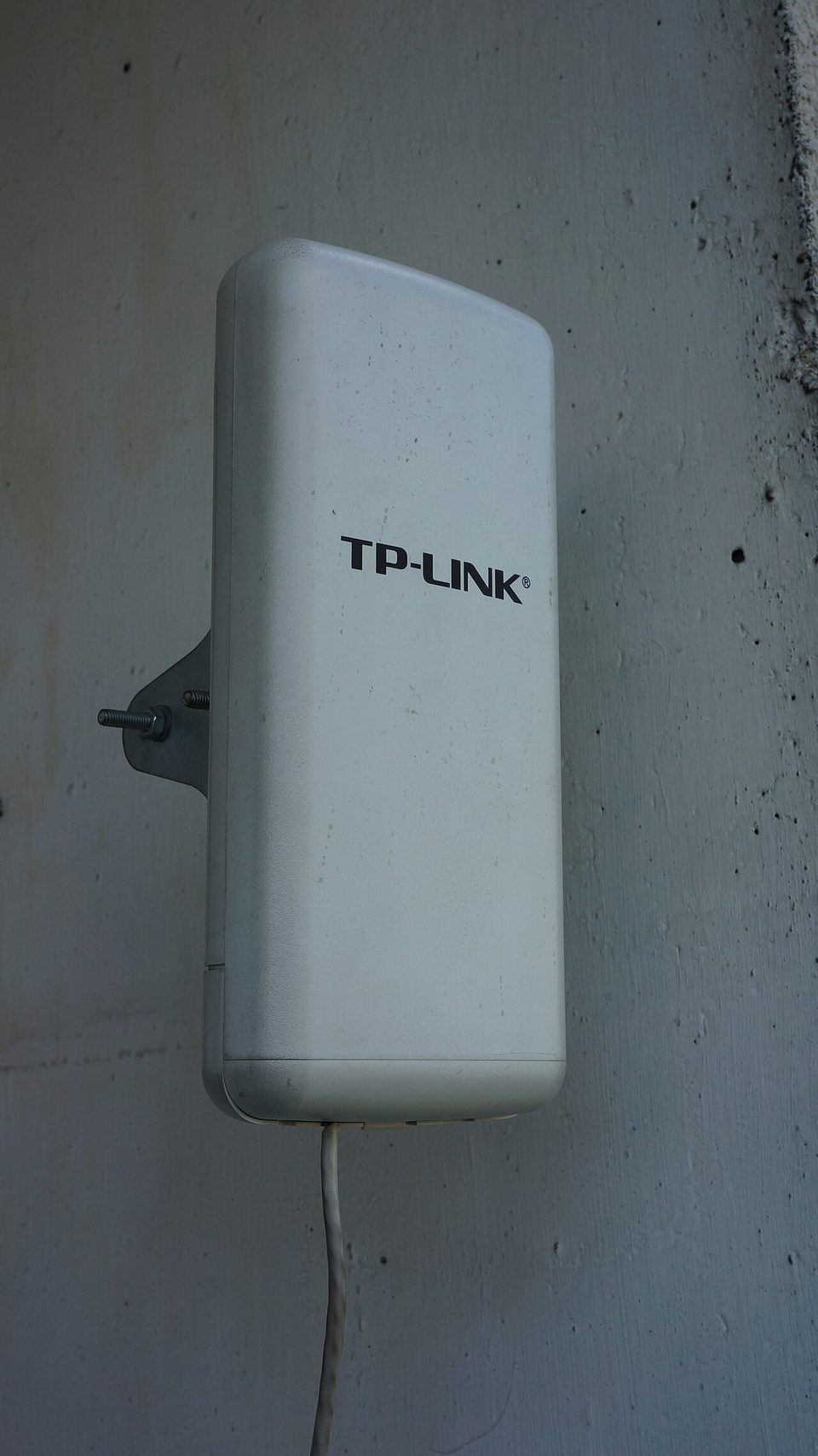
"Doc, your internet is fine," I told Ray on the phone. "Your ceilings are empty."
Ray runs a dental office, four operatories in a converted old bank building. He pays me to keep his website up. The wifi question came free, because his hygienists kept losing signal in the two back rooms. They pull up x-rays on tablets, and the pictures would freeze, and the hygienist would walk the tablet to the front desk like it was 2004. The router sat in the reception area behind a wall, a copier, and two lead-lined x-ray rooms. Lead is not on the list of materials wifi likes.
Here's the thing I told him. Consumer wifi is a coin flip past two walls. You can buy a bigger router, or you can put the signal where the people are. At the bowling alley I went mesh, because nobody there wants wires run. At the dentist I went the grown-up way. Real access points, mounted on the ceiling, wired back to the network. It is the same $100 bill in either pocket, but the wired version holds up longer.
What the EAP653 actually is
The EAP653 is a Wi-Fi 6 access point shaped like a slim white disc. AX3000 class, ceiling mount, made for offices and storefronts. It does not talk to your modem directly. It hangs off your network like a light fixture and radiates signal. Street price runs right around a hundred dollars, sometimes less on sale.
One surprise caught me and catches a lot of people. The box has no power plug. This thing is powered through the network cable, which is called PoE. One cable does two jobs, power and data. If you have no PoE switch, you buy a little injector for each unit, about seventeen bucks. I did not know that on my first install and I said a word I do not use in Ray's waiting room.
The install, honest version
Numbered, because order matters.
- Found the two rooms that actually needed signal. Not every room, the rooms where work happens.
- Bought two EAP653 units, two PoE injectors, and a hundred feet of cable. About $270 all in, including clips and a cable tester I already owned.
- Screwed the mounting plates to the ceiling tile frames. The units twist on like smoke detectors. A ladder, a drywall screwdriver, twenty minutes.
- Ran cable from each unit back to the network cabinet. This is the part a handy friend can't skip. If you can't run the wire, that is your whole budget, and you should call somebody who does low-voltage work for a living. I have done ugly wire runs in my day and I kept it tidy anyway.
- Plugged everything in, updated firmware first, then set the network name and password to match the old wifi.
Total: under $300 and half a Saturday. No monthly fee, no subscription, no cloud plan. That last part matters to me.
The controller thing
Two APs will each give you their own settings page, and keeping them straight is like owning a building with six thermostats and no labels. Which one runs which room? Nobody knows. TP-Link sells the same fix any zone system sells. One controller that shows every unit on one screen, one place to update, one password change that hits everything.
The software controller is free, and there is a phone app that does the job for a small office. I will admit this plainly. The first time I tried to "adopt" an access point into the controller, it fought me for two hours and I finished the job with a forum post from a stranger named Milan who explained it in four sentences. That is the real cost of this gear. Not dollars. An evening of your attention the first time. After that it is set and forget, and Ray has not heard from me about wifi since spring.
What I do not love. The cloud app wants a TP-Link account, and it walks you through a few too many screens before it admits your access points exist. And Wi-Fi 6 is last year's badge now. If you are opening a brand new office, sure, look at the Wi-Fi 7 models. For four treatment rooms and a waiting room, this is plenty, and the hygienists stream x-rays all day without a stutter.
What to do Monday
Stand in your worst room. Look up. If the ceiling is drop tile or drywall and you can get a cable to it, price one access point and one injector before you spend $200 on another range extender with a different name. Range extenders repeat a weak signal. Access points replace it. One of those sentences is a fix and one is a bandage. Write down which rooms matter, measure the cable run, and bring the numbers before you buy anything.