Nicholas TongAmazon eero Pro 6E
29 / 46
the router that never stops talking
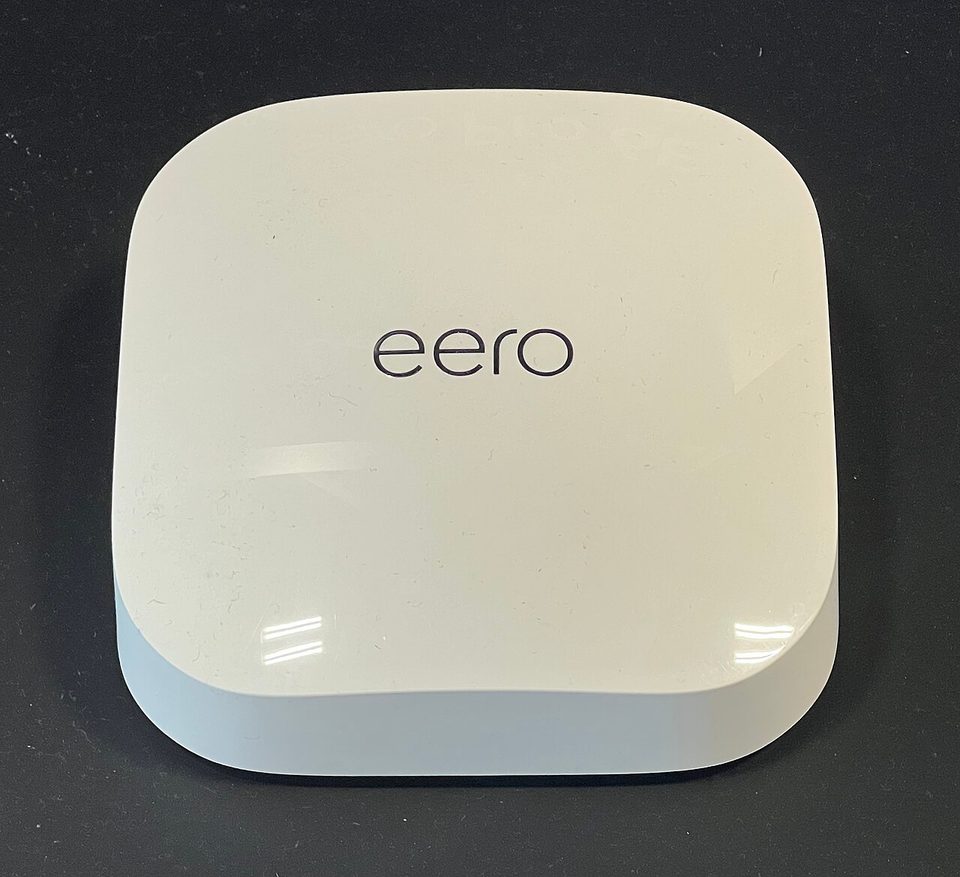
I put a managed switch with a span port in front of my eero for one evening, mirrored the traffic to a laptop, and watched it with a packet analyzer. Here is what I saw. The eero keeps a persistent TLS connection open to an AWS endpoint at all times, and even when every device in the house is asleep, small packets cross that connection at a steady interval. Housekeeping, probably. Heartbeats, probably. I am not going to tell you it was exfiltrating my DNS history, because I did not decode the payloads and I will not pretend I did. I am going to tell you it never stopped talking, not once in four hours, and that a router with a mandatory cloud account never does.
The eero Pro 6E is Amazon's tri-band Wi-Fi 6E mesh node: one 2.5GbE port, two gigabit ports, no USB, no web interface, and an app that requires an Amazon account before it will finish setup. A single node listed at $299 when the line launched in early 2022, and The Verge's deal coverage this summer called current prices the cheapest yet, which tells you where the value sits. My two-pack was well past the line where I should say plainly: this is not a purchase recommendation. I paid for it myself, and I have since handed one node to a friend and kept one in a closet as a reference point.
the part everyone gets wrong
People compare the eero against other routers on speed, and that comparison misses the product. The eero is not a router you own. It is a managed service you subscribe to with hardware, and the subscription part is Amazon's, whether you pay for eero Secure or not. The account is not optional. There is no local admin page, no telnet into a config file, no way to stand in front of this box and manage it without asking Amazon's app to relay the conversation. The Wi-Fi is genuinely good. The management model is the product decision, and it is decided before you open the box.
The second mistake is thinking the cloud connection is a bug Amazon shipped by accident. It is the architecture. Auto-updates, the app, device profiles, the whole calm experience people like, all of it is the cloud connection working as designed. You cannot have the part people like without the part I watched on the span port. That is a fair trade only if you price it, and most people do not price it because it is billed in trust instead of dollars.
the mechanics
As hardware, the Pro 6E is the good version of the eero line: tri-band, with 2.4GHz for the old devices, 5GHz for the house, and a 6GHz radio that is fast and short-ranged like every 6GHz radio on the consumer market. The 2.5GbE port is the one wired upgrade over the cheaper eeros, and on my gigabit line it idles there, unbothered. Setup is a QR code and four minutes. Roaming between nodes is the smoothest I have tested in my hallway, including the UniFi gear I run, and I say that as someone who distrusts smoothness on principle.
Here is the twist, and I want to be careful here, because it complicates my own thesis: the mandatory cloud is also why this router is the only one in my house that is never out of date. eero pushes firmware automatically, on their schedule, to every node, and it has been doing that since 2016. Four years of reading patch timelines for routers has taught me what an unpatched router fleet looks like at scale, and it looks like the May 2025 ASUS incident list. Auto-updates are the single best security feature in consumer networking, and eero is the vendor that does it most completely. The cloud connection that bothers me is also the reason this box is never the vulnerable one.
The security features sit behind eero Secure, the subscription tier, roughly three dollars a month for ad blocking and malicious-site filtering, more for the tier with password manager extras. I paid for it for three months, used exactly one feature, and canceled. The filtering works. So does a Pi-hole, which I run, and which bills me in hours instead of months.
where it breaks
The dependency. When Amazon's cloud is reachable, the eero is a joy. When it is not, you own a working network you cannot manage, because the app cannot see the mesh, and a device profile change waits on somebody else's status page. The network itself keeps routing, which is the difference between a problem and an emergency, and I want to be fair about that line. It is still a dependency that belongs to a company whose status page you cannot vote on.
Then the telescope problem. The account sees your client list, your traffic volumes, your update state, and your home's occupancy rhythm, inferred from which devices are awake at 3am. None of that requires malice. All of it is one subpoena, one breach, or one policy change away from being somebody else's data, and Amazon's track record with Ring camera footage is the local example everyone in my field keeps on the shelf. I am not saying eero leaks. I am saying the architecture makes the question permanent.
And the small ones. No web UI at all, which I have beaten enough. No USB. The 2.5GbE port is one port, so multi-gig plans end at the switch. The Pro 6E's radios are excellent and its wired side is stingy, which is the eero trade in one sentence.
what to do
- If the account model is a dealbreaker, buy something else. There is no version of the eero where it is optional.
- Put the mesh behind a firewall you own, the way I do, and let the cloud connection exist on your terms.
- Segment the IoT devices onto the guest network. The eero's segmentation is blunter than a VLAN and it is still the best feature in the app.
- Let the auto-updates run. This is the one place I am telling you to leave the cloud on.
- Price eero Secure in hours. If you already run DNS filtering, the subscription buys you nothing you do not have.
The eero Pro 6E is the best-managed consumer mesh on the market and the least yours. Both sentences are true, and the four hours of packet captures are the receipt for the second one.
Count the devices on your network that maintain a connection to somebody else's cloud, and start with the one that can see all the others.