Nicholas TongGL.iNet Flint 2 (GL-MT6000) router
26 / 46
the router that asked permission
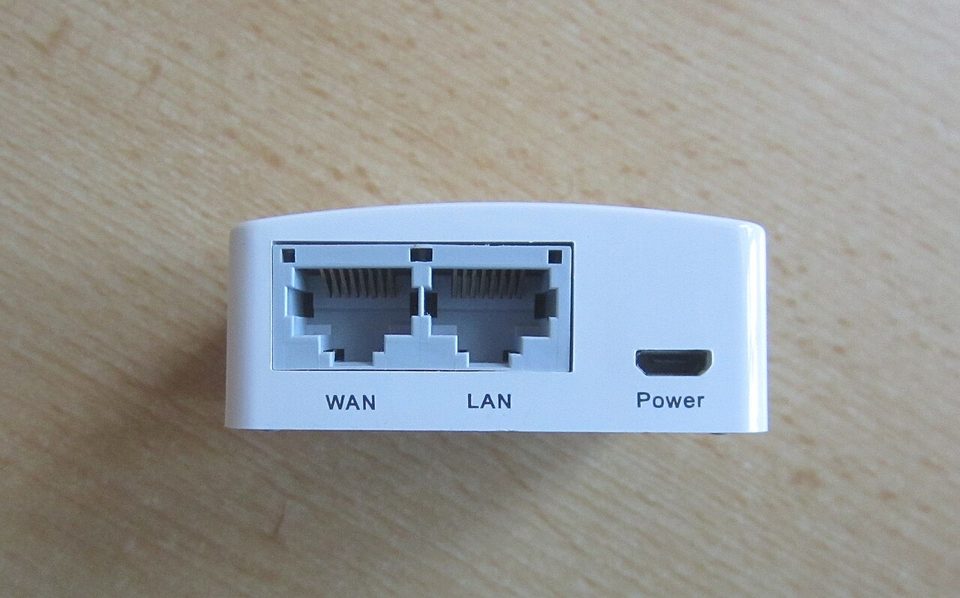
During setup, the Flint 2 asked whether I wanted to bind it to a cloud management account. I said no. It finished setup anyway, gave me a working network, and never mentioned the cloud again. I sat there for a second, because a consumer router asking permission instead of assuming consent is rarer than it should be, and that one dialog is the closest thing this box has to a thesis statement.
The Flint 2 is GL.iNet's GL-MT6000, a Wi-Fi 6 router built on the MediaTek MT7986AV, with two 2.5GbE ports, four gigabit ports, and firmware that is OpenWrt with a usable interface on top. ServeTheHome bought theirs at $139 in late 2025, which matches what I paid, and it has since been folded into the line as the "Fortify". This is not the router I would put on my own edge; my edge is a fanless box running OPNsense that I have written about before. It is the router I put in front of my dad's house and the one I recommend when someone asks for the cheapest router they can read.
the part everyone gets wrong
People hear OpenWrt and picture a weekend lost in a terminal. That was true in 2015. GL.iNet ships the box with their own OpenWrt-based firmware, a browser interface that a normal person can finish, and working defaults for guest networks and VLANs. The barrier to entry is not the command line anymore. The barrier is reading, and there is no interface for that.
The second mistake cuts the other way. People assume OpenWrt means secure by default, and it does not. The firmware is open source, which means I can read what it does, and I have, but the defaults still ship with services enabled that a firewall nerd would turn off, and the vendor's update cadence lags the mainline OpenWrt project by weeks or months. A readable router is not a patched router. Those are two different jobs, and buying the first does not automatically buy the second.
the mechanics
Under the plastic: a quad-core Cortex-A53 at 2.0GHz, 1GB of RAM, two 2.5GbE ports where one is WAN, four gigabit ports, one USB 3.0 port, and Wi-Fi 6 rated at AX6000, which is a lab number like every AX6000 number ever printed. It idles warm, not hot, and the case gets that laptop-on-a-lap temperature in a Houston closet, which I check the way I check on anything fanless.
The features that earn the price are all in the firmware. WireGuard server and client are built in, with a kill switch option that drops traffic instead of leaking it when the tunnel dies. AdGuard Home runs as a local DNS filter, which means my dad's TV asks an ad block list running on his own router instead of asking a company. WPA3, guest SSIDs, VLAN tagging, and a proper firewall rules page are all present without plugins. On my gigabit line, WireGuard through it measured around 500Mbps for me, which is short of line rate and still miles ahead of the ISP gateway it replaced, which managed to make both a captive portal and a security problem at the same time.
The part I actually bought: it is a VPN endpoint that respects the tunnel. Point the router at a WireGuard peer and every device behind it, including the ones that cannot run a VPN client, goes through the tunnel. The devices that cannot run a VPN client are exactly the ones that phone home the most.
where it breaks
The radios are the compromise. The MT7986AV is a great router chip and a mid-tier Wi-Fi chip, and the Flint 2 behaves like it: fine in a medium house, unremarkable at range, and honest about it only if you read the reviews instead of the box. ServeTheHome's testing and mine agree that the wired side outclasses the wireless side. Cover a big house with this and you will buy a second one as a dumb access point, which is a fine outcome and one they support.
Then the fork lag. GL.iNet's firmware is a snapshot of OpenWrt plus their interface, and when OpenWrt ships a fix, the GL.iNet build picks it up later. For a router facing the internet, later matters. The honest answer is to flash mainline OpenWrt, which the MT6000 supports well, and give up the friendly UI. I have not done it on my dad's unit, because the person who would maintain it is me, from across town, and the GL.iNet updater is something he can be talked through on the phone. That is an engineering decision that has nothing to do with engineering.
And watch the opt-ins. GoodCloud remote management and DDNS are both on the table during setup, both off by default as far as I could tell, and both features I would rather not exist on a box whose main virtue is asking first. The 12V barrel power plug is the same diameter as the one my NAS uses, which is a trap I have now written on the shelf in pencil.
what to do
- During setup, decline the cloud account unless you have a reason that survives being said out loud.
- Turn off every service you are not using, same rule as any firewall. The interface makes this a checklist, so use the checklist.
- If this box faces the internet, put a calendar reminder on firmware updates. The fork lag means the reminder is the patch process.
- WireGuard first, port forwards never. Every forward you open is a surface you now own forever.
- If you can read a diff, flash mainline OpenWrt. If you cannot, this is the rare consumer box where the stock firmware is a defensible answer.
I could be wrong about this, and if I am, someone will tell me, but the Flint 2 is the best $139 of router-shaped trust I have found for a house I do not live in. It runs software I can read, it asked before it dialed out, and when my dad calls about the printer, the fix has never once been the router.
Check tonight whether your router's admin page is reachable from the WAN side. If it is, that is not a feature, that is a door.